
aQuickCheck

Blog

Emergency button for seniors: is it enough, or does a daily check-in help more?

Your senior lives alone and you're looking for a way to get help if something goes wrong. A medical alert button seems like the logical choice. But does it work when you really need it? Here's what you should know before deciding.
14 October 2026 aQuickCheck 7 min lezen

Emergency button for seniors: is that enough, or would you benefit more from a daily check-in?

Your parent lives alone and you’re looking for a way to get help if something goes wrong. An alarm button seems like the logical choice. But does it actually work when you really need it? Here’s what you should know before you decide.

Why you’re considering an alarm button (and rightly so)

If you have a parent living alone, you know the thought: what if something happens and nobody notices? A fall in the bathroom, sudden dizziness, or a night when your mother isn’t feeling well. In these situations, how quickly someone finds out is what matters most.

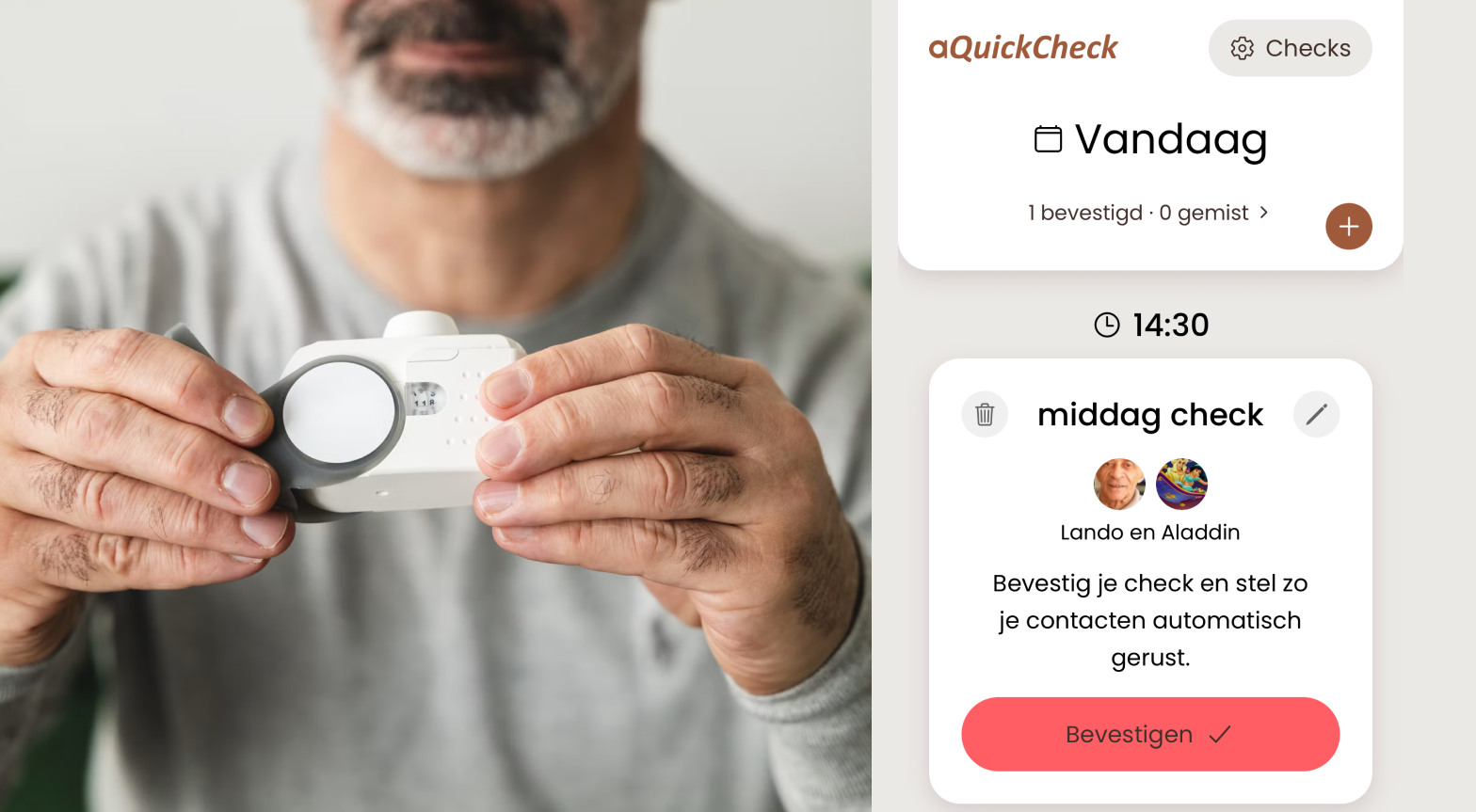
That’s why many people look for a personal alarm or emergency button for seniors. That’s a sensible first step. Such an alarm button, usually worn as a necklace or wristband, gives your parent the ability to call for help with a single press. Some versions also have fall detection.

Yet an alarm button has a limitation you should think carefully about beforehand.

The weak points of an alarm button

An alarm button only works if three conditions are met. In practice, that doesn’t always happen:

  • Your parent has to wear it. Many elderly people put the button down at night or in the shower – precisely the moments when the risk of falling is highest. Or the button is sitting on the nightstand while something goes wrong in the kitchen.
  • Your parent has to be able to press it. After a stroke, fainting, or a hard fall, that’s not always possible. An alarm button doesn’t help if someone is unconscious or confused.
  • Your parent has to want to use it. Some elderly people feel “old” with an alarm button or are too embarrassed to press it after a minor fall. You only find out later.

There are usually fixed costs involved too: a subscription, sometimes a one-time payment for the device, and sometimes an installation fee. So pay close attention to the terms and cancellation conditions when signing up.

That doesn’t mean an alarm button is bad. It’s a good tool for when your parent can ask for help themselves. But what happens if they can’t?

Alarm button or check-in app: what’s the difference?

The difference is in who takes the first step.

Who starts the alarm?

  • Alarm button: your parent, by pressing the button
  • Daily check: the app, if a check is not confirmed

Does it work when unconscious?

  • Alarm button: only with fall detection
  • Daily check: yes, the absence of confirmation is the signal

Does your parent have to wear something?

  • Alarm button: yes, pendant or wristband
  • Daily check: no, just the smartphone

What do you hear if everything is fine?

  • Alarm button: nothing
  • Daily check: nothing, no news is good news

Costs

  • Alarm button: often a subscription and sometimes equipment
  • Daily check: € 2.99 per month, first month free, free for contact persons

With an alarm button, your parent has to actively ask for help. With a daily check, you notice the absence of a sign of life. That’s exactly the situation where an alarm button fails: your parent can no longer press.

How a daily check works

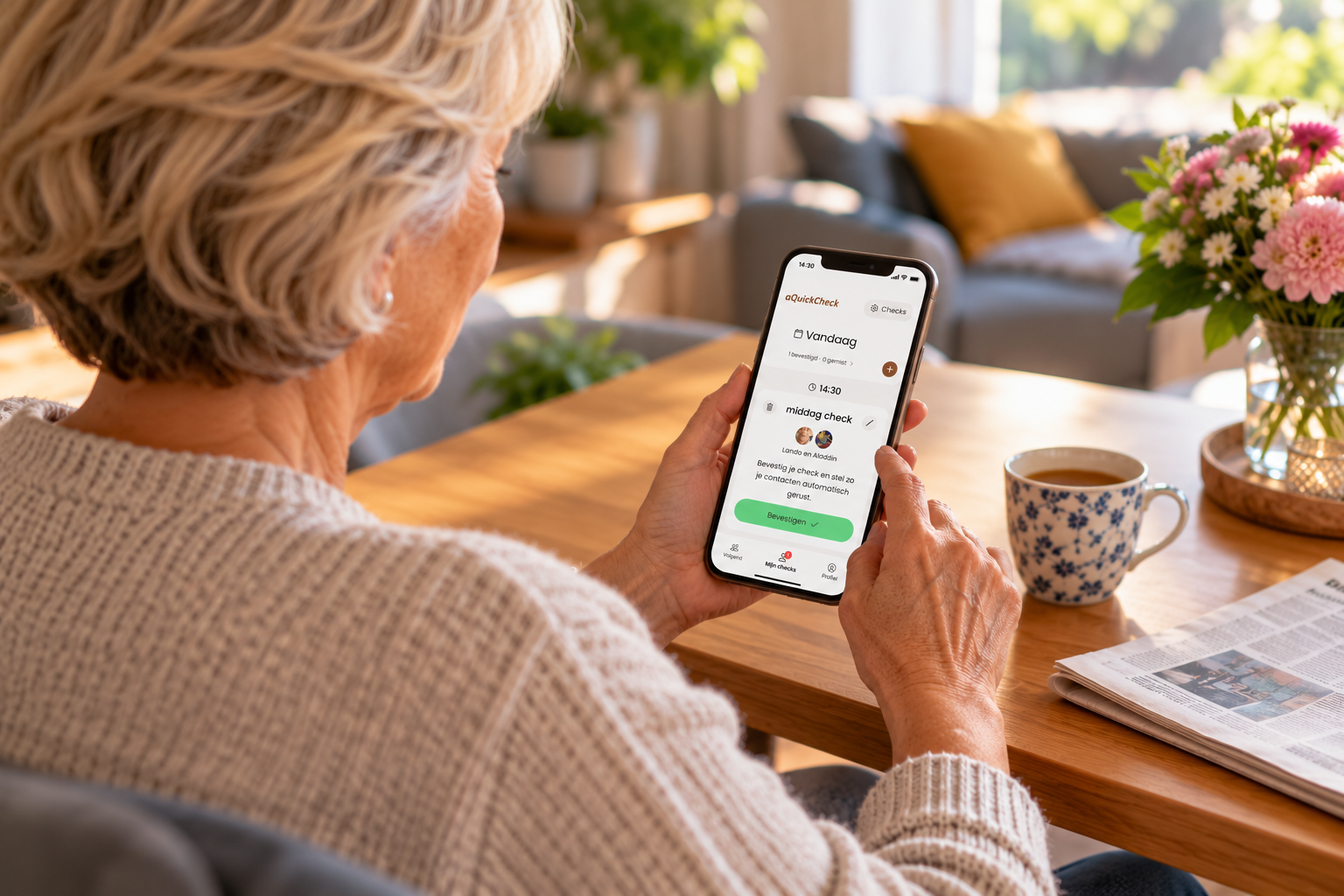
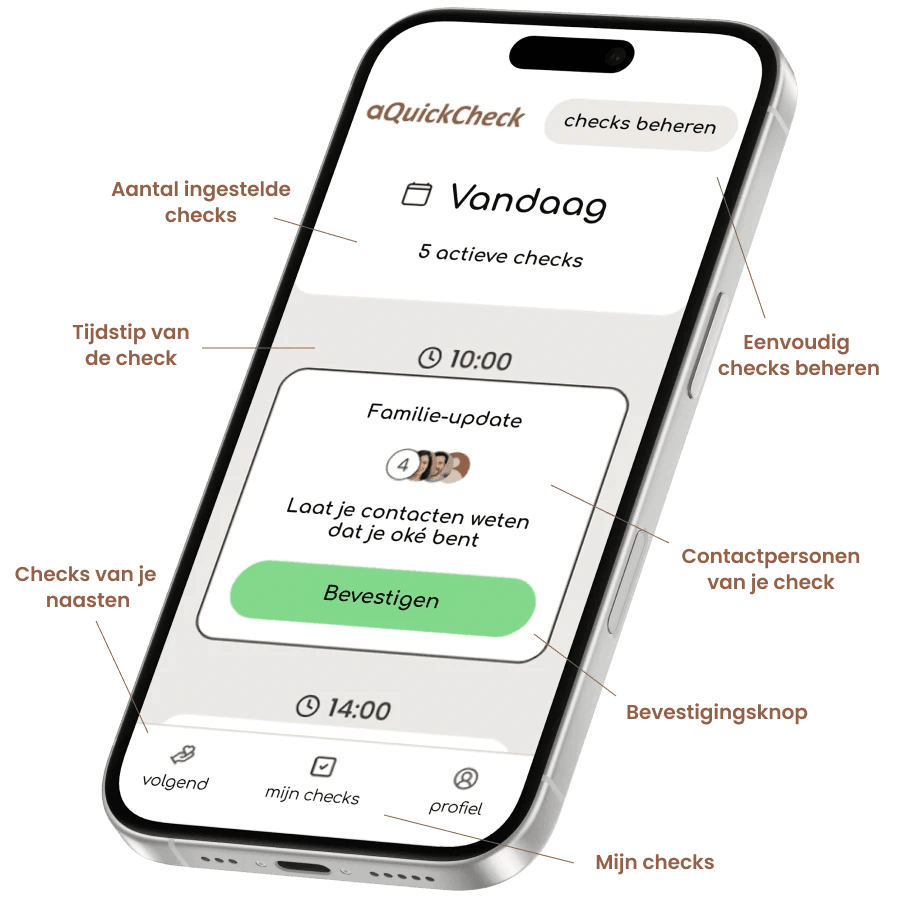
With aQuickCheck your parent confirms with a single tap at any desired time that everything is fine for example after breakfast, before bed, or just whenever.

  • Confirmed? Then you hear nothing. Everything is good.
  • Not confirmed? Your parent first gets one or more reminders, which you set yourself.
  • Still no response? Then you and the other contact persons get a notification right away, so you can call or visit.

No cameras, no location tracking, no feeling of being controlled. The app shares just one thing: whether the check is confirmed or not. Read more about keeping an eye on a parent living alone.

The best solution: alarm button and daily check

It doesn’t have to be a choice. Many families combine both, because they complement each other:

  • The alarm button is there for when your parent can still call for help themselves.
  • The daily check is the safety net for all situations where that’s not possible, or where the button wasn’t on their wrist.

Does your parent not have an alarm button yet and don’t want one? Then a daily check is an easy way to start. There’s nothing to wear and no device that feels like an “old age stamp.” It’s just an app on the phone your parent already has.

Which solution fits your parent?

Ask yourself these questions:

  1. Does your parent really wear the button all day long, even at night and in the shower? If not, the alarm button misses the highest-risk moments.
  2. Would your parent be able to press it after a fall or stroke? If you’re unsure, add a daily check.
  3. Does your parent feel controlled or “old” because of the button? Then a check with self-selected times often works better.
  4. Does your parent use a smartphone? Then the barrier to using an app is low.
  5. Do you want to avoid fixed monthly costs? Then compare the total costs over a year carefully.

An alarm button protects, a daily check brings peace of mind

An alarm button is a good tool, but only if your parent wears it and can press it. A daily check catches what a button cannot: the situation where there’s nobody who can call or press anymore. Together, they provide the most certainty, and your parent keeps their independence.

No news? Good news!

Try aQuickCheck free for one month, with no obligations. Download the app for iPhone or Android and set up the first check today. Want to know more? Visit our page for caregivers or for independent living seniors.

More articles

Download the aQuickCheck app

Available for iPhone and Android.

Download in de App StoreOntdek het op Google Play

Frequently asked questions

Is a medical alert button enough for a senior living alone?

For many seniors, an alarm button is a good foundation, but it only works if your elderly relative wears it and can press it. In case of a fall with loss of consciousness or a stroke, that’s often not possible. A daily check fills that gap.

What's the difference between a personal alarm and a check-in app?

With a personal alarm, your elderly relative asks for help by pressing the button themselves. With a check-in app like aQuickCheck, an automatic notification goes to your contacts if your elderly relative doesn’t confirm a check, even if they’re no longer able to do anything themselves.

What if my elderly relative doesn't want an alarm button?

This happens often. A daily check is then a good alternative: your loved one doesn’t need to wear anything, chooses the times themselves, and confirms with just one tap.

What does a daily check cost compared to an alarm button?

aQuickCheck is free for the first month and then costs € 2,99 per month for the person doing the checks. For contacts, the app is always free. With an alarm button, you usually pay a monthly subscription and sometimes equipment costs; always compare the total annual costs.

What should I do if my loved one doesn't respond to a notification?

Stay calm, because most missed checks have a simple explanation. Call first, and then contact a neighbor or family member nearby. If you can’t reach anyone and you’re really worried, call 112.